Trải nghiệm phương pháp dây treo chuyển động từ Na Uy (Neurac Method) – GIẢI QUYẾT CƠN ĐAU - CHỈNH DÁNG TỰ NHIÊN - CAM KẾT PT 1:1
Giới hạn 30 suất trong tuần này
Ngồi 8 tiếng, vai gáy cứng đờ, lưng mỏi nhức nhưng không có thời gian tập gym 2 tiếng/ngày.
Sợ cảm giác mồ hôi đầm đìa, sợ chấn thương, sợ đau cơ ê ẩm cả tuần sau khi tập nặng.
Rào cản chi phí PT 1:1 thậm chí là 1:2.
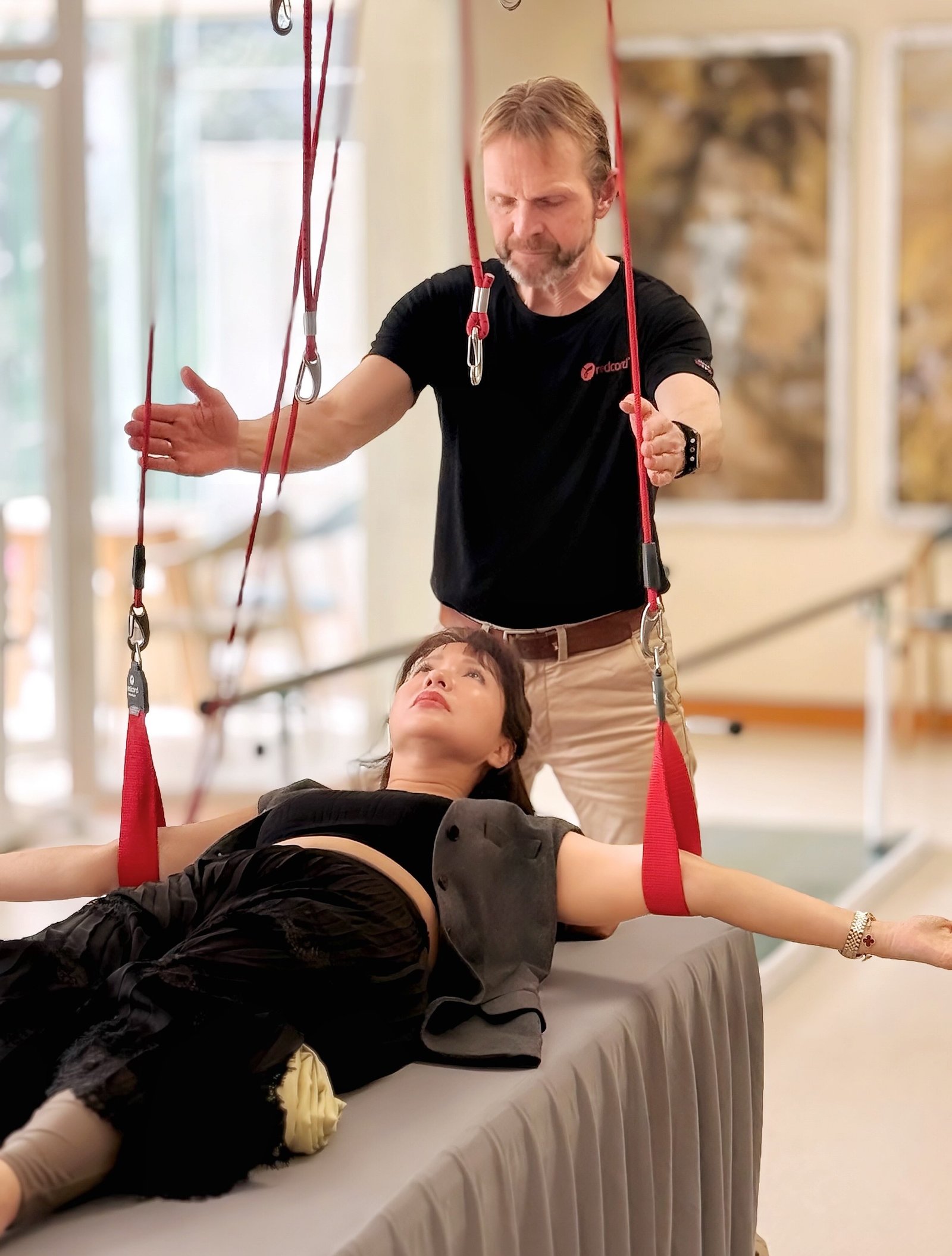
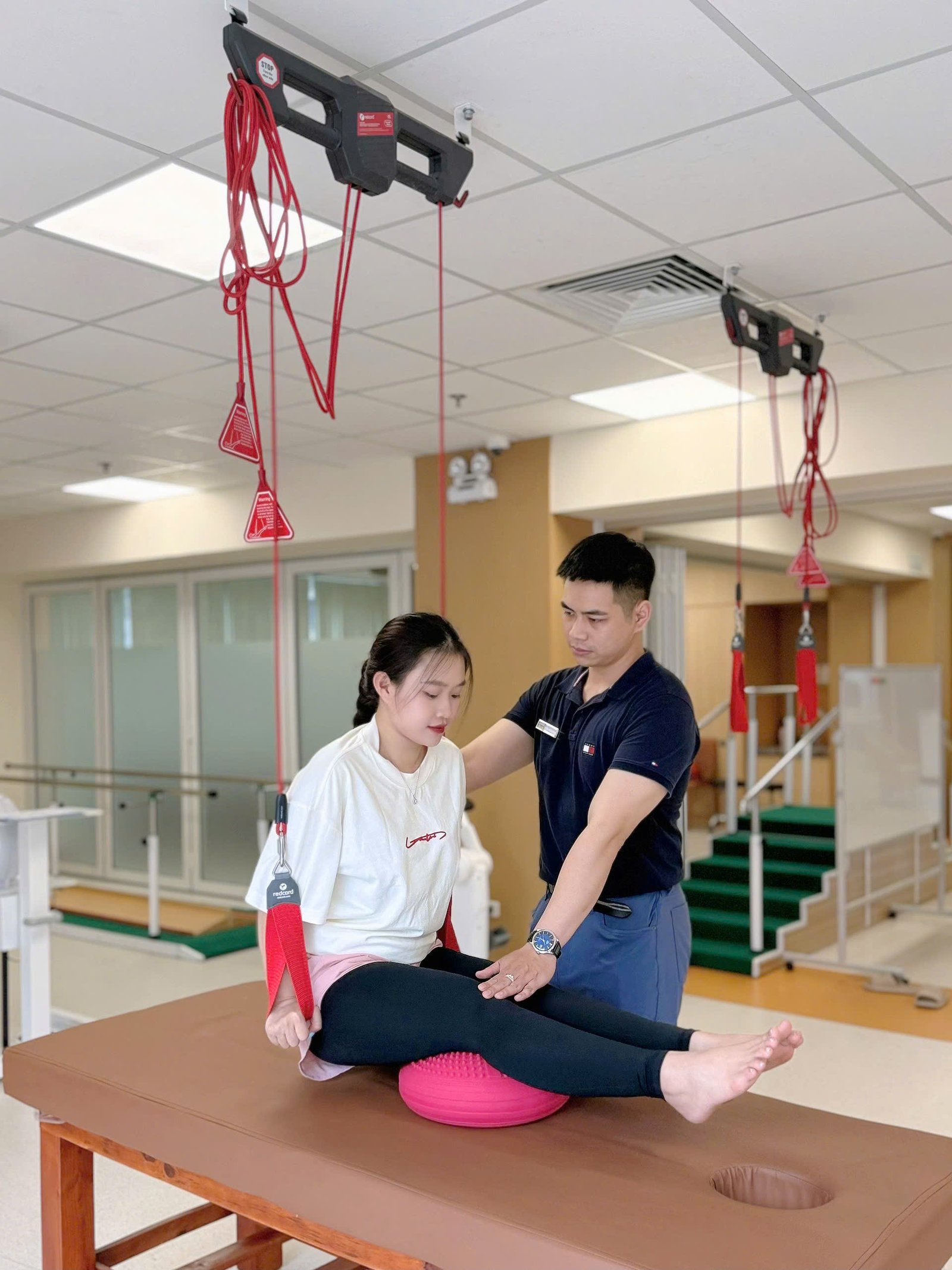
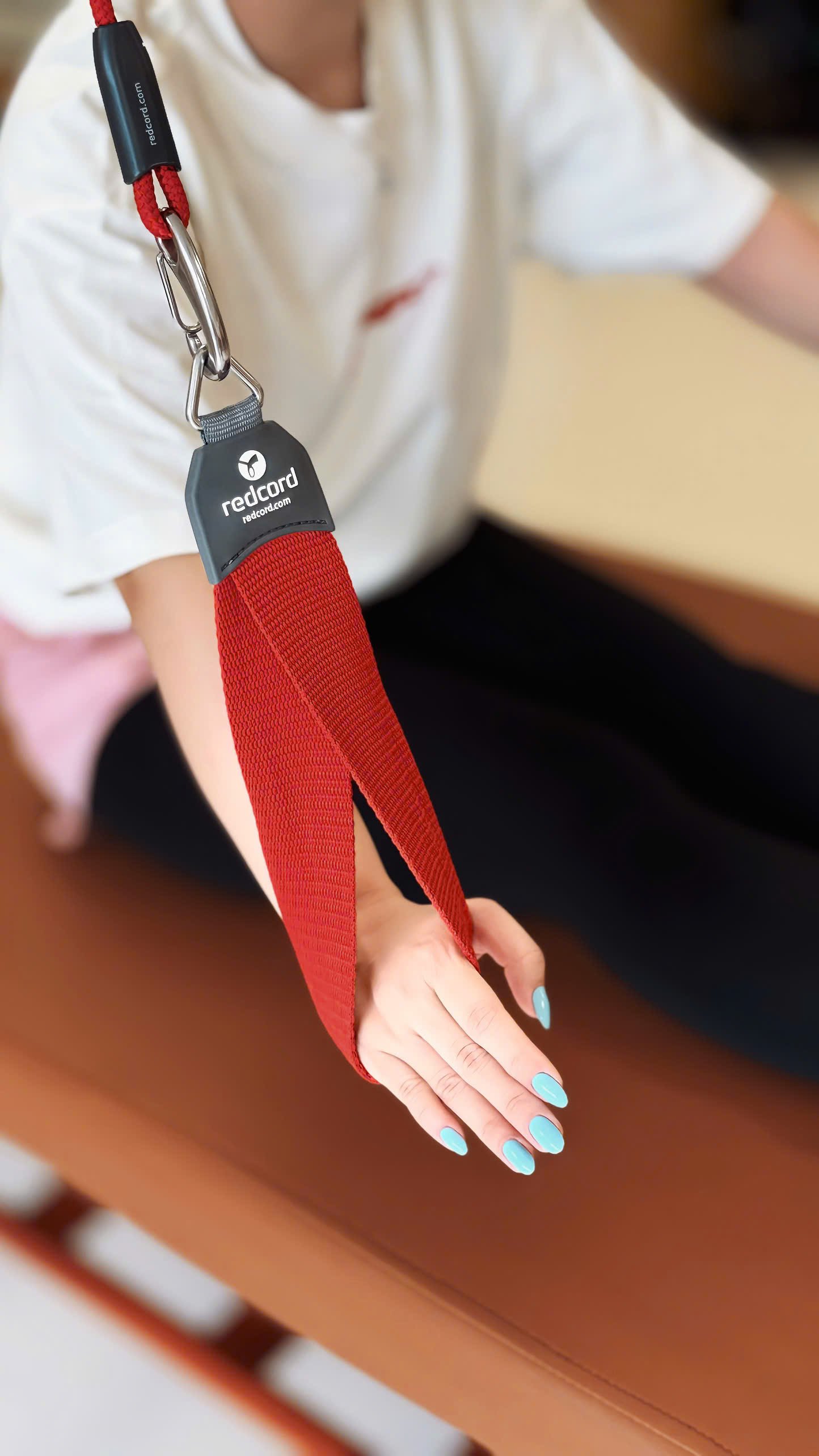
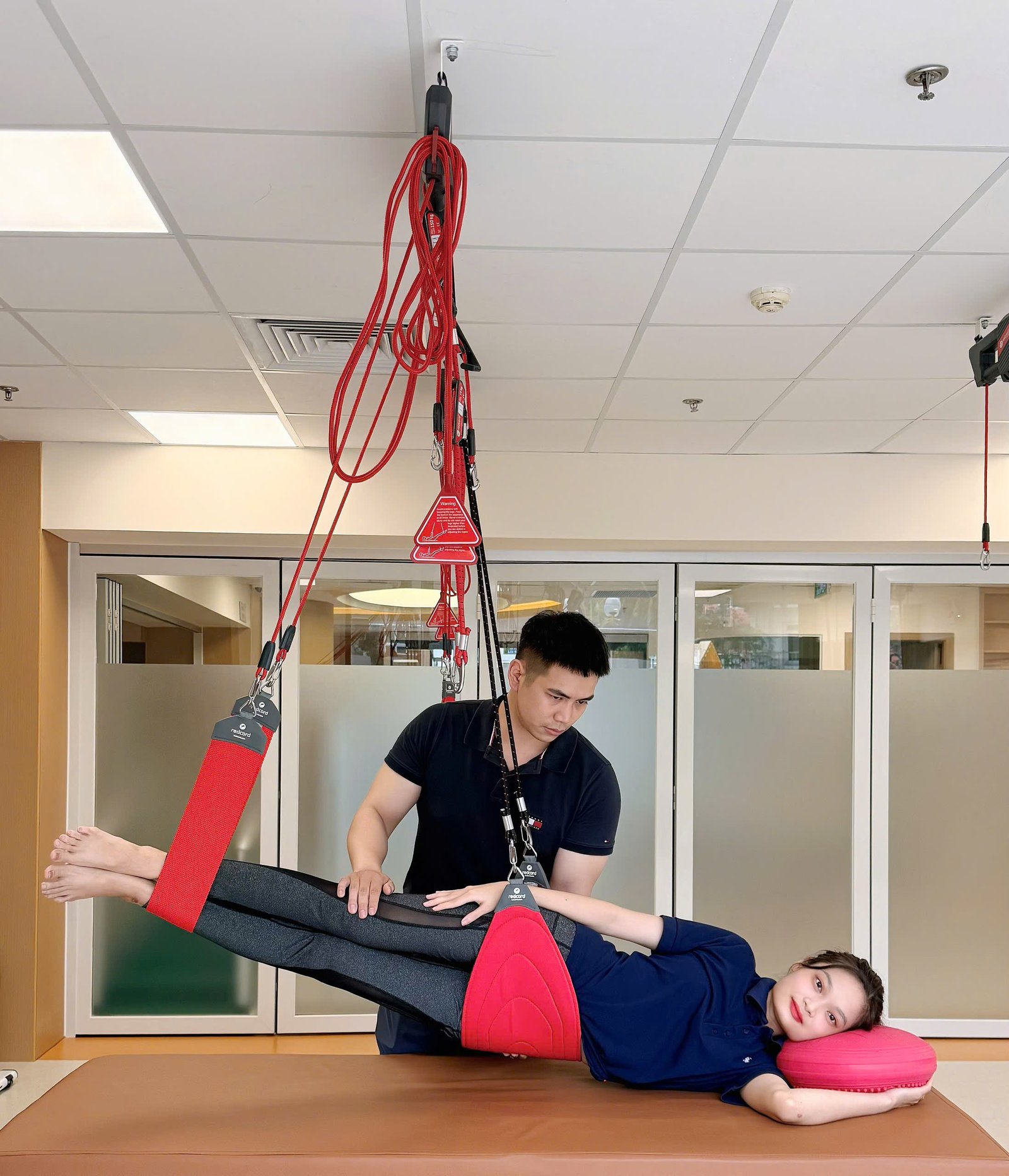
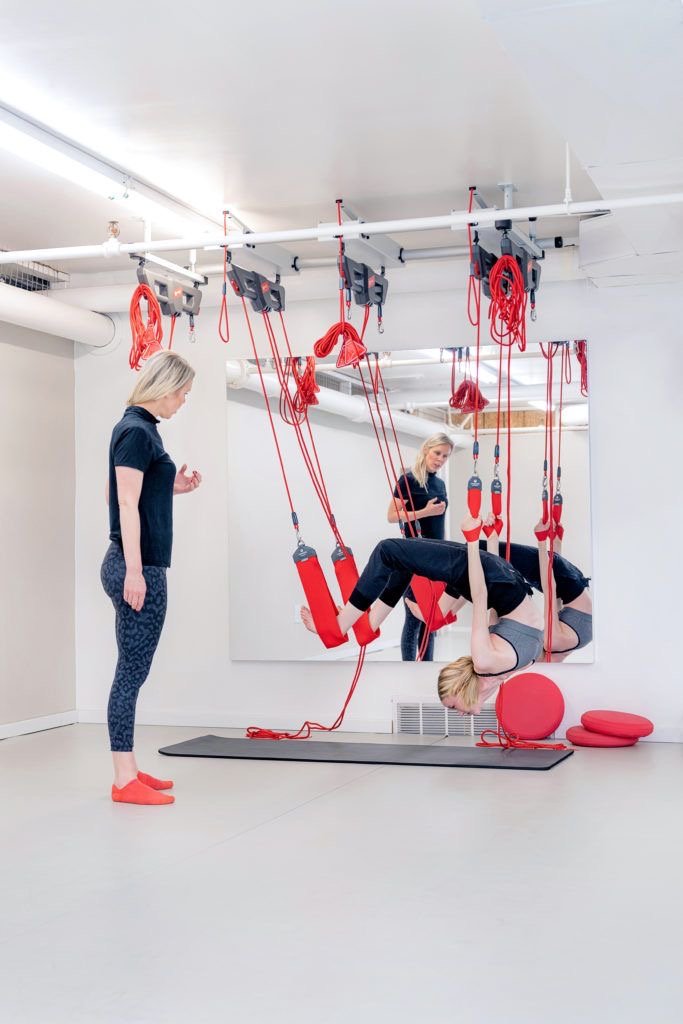
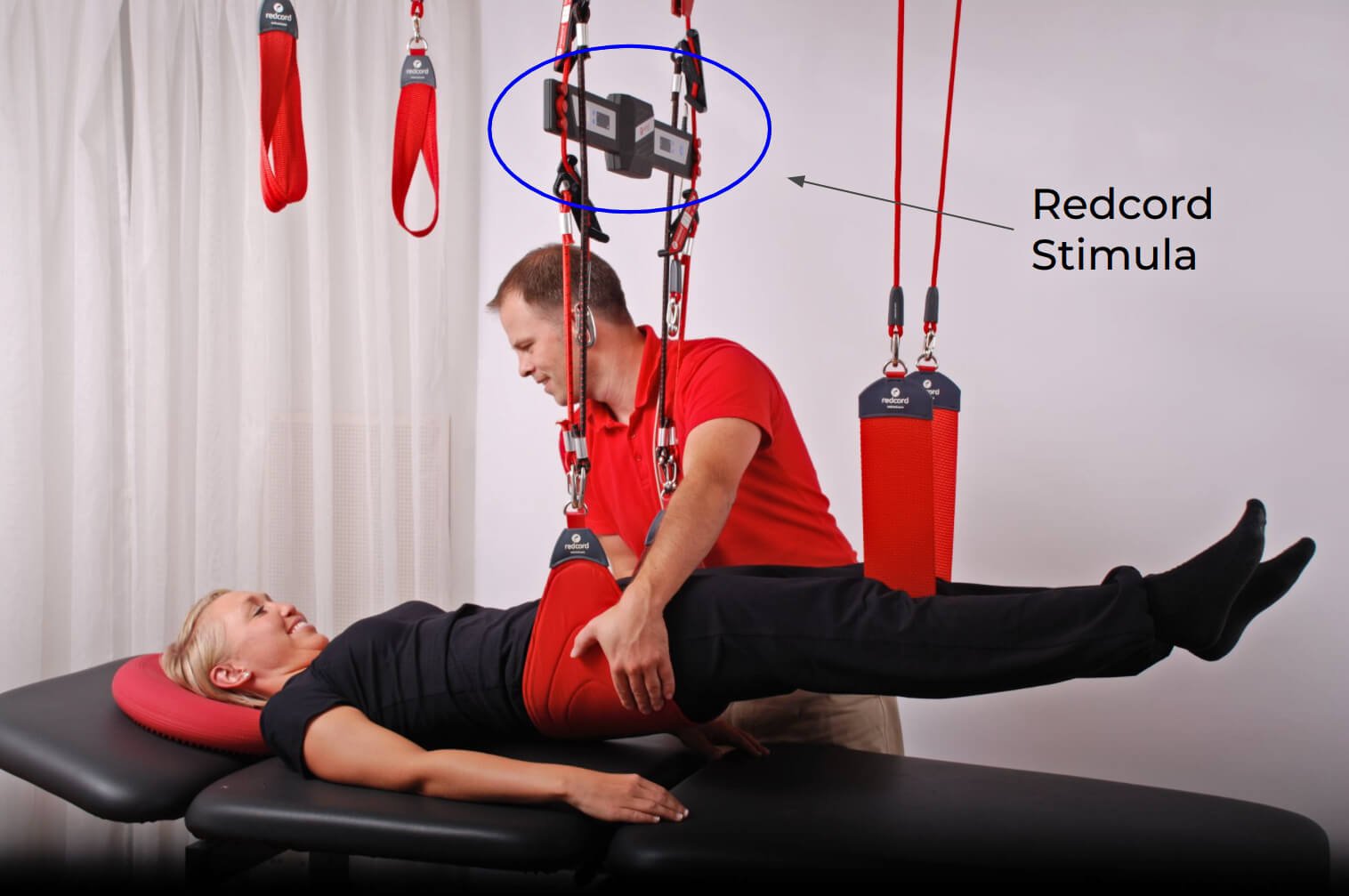
Redcord là hệ thống tập luyện và phục hồi chức năng sử dụng các dây treo đàn hồi và không đàn hồi được gắn cố định trên cao nhằm hỗ trợ, nâng đỡ hoặc tạo thử thách cho cơ thể trong quá trình vận động.
Với hơn 30 năm nghiên cứu, phát triển và ứng dụng trong lĩnh vực vận động & trị liệu, Redcord hiện được sử dụng rộng rãi tại nhiều bệnh viện, trung tâm phục hồi chức năng và cơ sở chăm sóc sức khỏe trên toàn cầu. Tại Việt Nam, hệ thống Redcord được Công ty Inter Reha Nhật Bản hỗ trợ phân phối và chuyển giao chuyên môn, trong đó Trung tâm Tổ Dịu Êm là đơn vị phân phối độc quyền. Hơn ba thập kỷ phát triển và được tin dùng tại các quốc gia có tiêu chuẩn y tế khắt khe là minh chứng cho chất lượng, tính an toàn và hiệu quả của phương pháp này.
| Tiêu chí | Gym Truyền Thống | Pilates Máy | Redcord Station |
|---|---|---|---|
| Cường độ sức lực | Nặng & dễ chấn thương nếu sai tư thế | Nhẹ nhàng, đòi hỏi sự dẻo dai | Nhẹ nhàng, dây treo nâng đỡ, không gây đau mà còn giải quyết các vùng đau - Đánh thức các vùng cơ ngủ quên |
| Thời gian tối thiểu | 60 - 90 phút (chưa tính tắm rửa) | 60 phút | Chỉ 45 phút/buổi – Linh hoạt nhưng vẫn Hiệu Quả |
| Giám sát chuyên môn | Tự tập hoặc PT chi phí cao | PT chi phí cao đặc biệt là 1:1 | Cam kết PT 1:1 kèm sát từng chuyển động |
| Chi phí đầu tư | Trung bình | Cao | Tối ưu, linh hoạt, không áp lực tài chính |
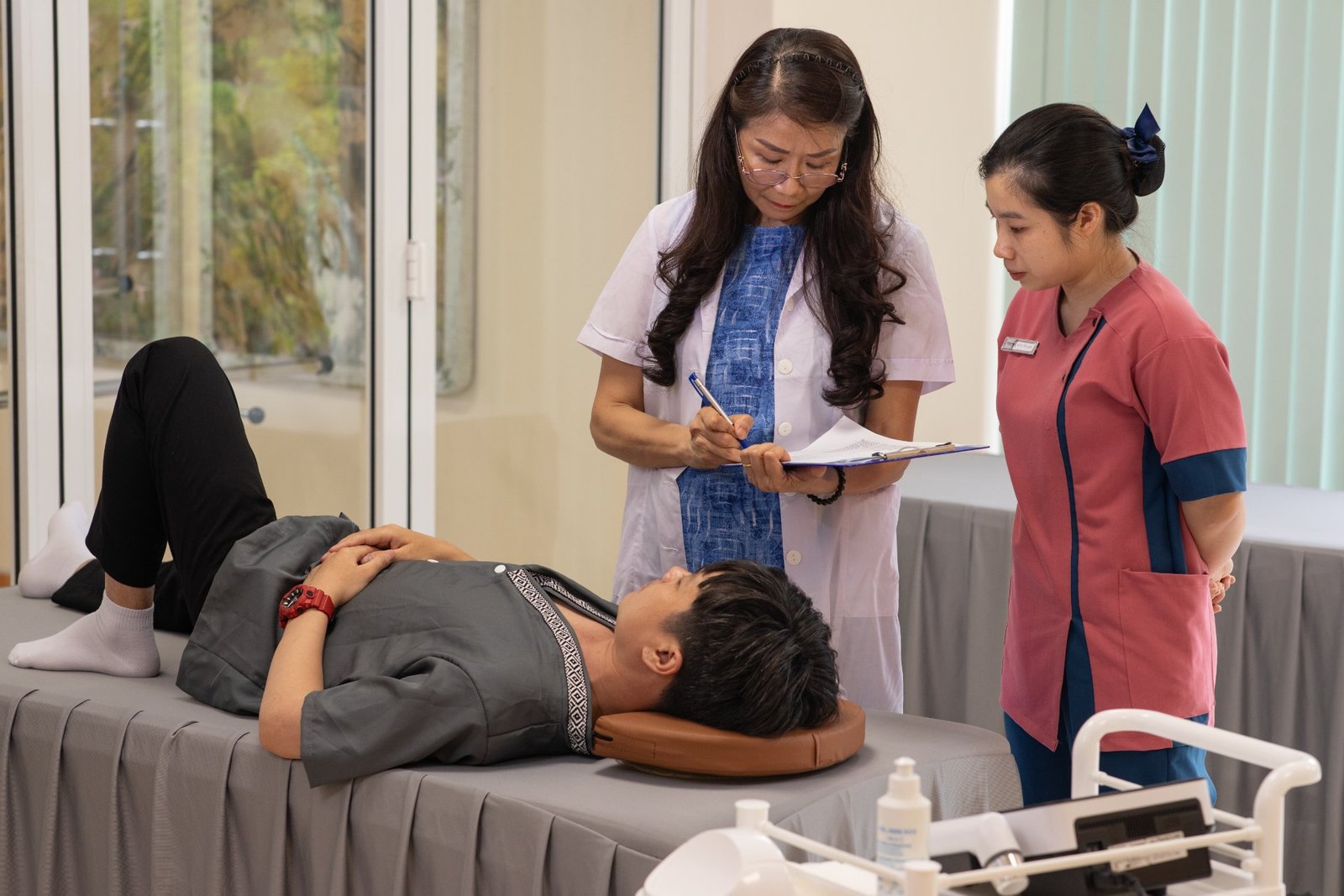
PT trò chuyện về thói quen vận động và sức khoẻ, hướng dẫn các động tác đơn giản để phát hiện điểm đau, lệch cần phục hồi.
Điều trị đau mỏi cổ vai gáy, thoát vị đĩa đệm do áp lực tư thế ngồi tĩnh làm việc máy tính lâu ngày.
Phục hồi hỗ trợ yếu liệt chi, khôi phục lại khả năng thần kinh điều khiển chuyển động tự chủ linh động.
Tối ưu hiệu suất hoạt động, tăng tính cân bằng, đẩy nhanh điều trị và hồi phục các dạng chấn thương.
Tăng cường các khối cơ lõi sâu, duy trì vận động linh hoạt dẻo dai bôi trơn các khớp và chống té xốc.
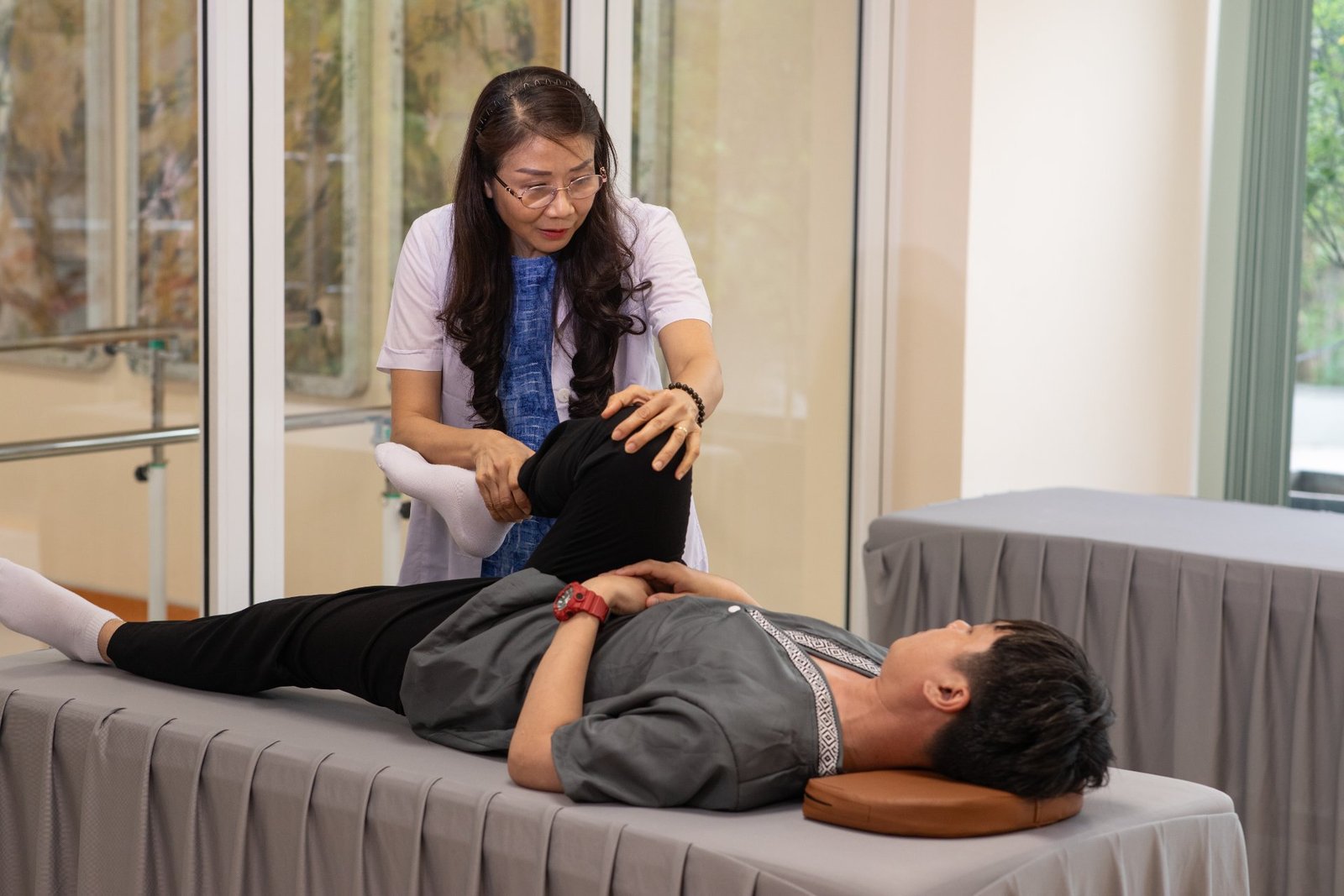
Đội ngũ kỹ thuật viên trị liệu tại Tổ Dịu Êm được đào tạo trực tiếp bởi các chuyên gia Redcord chuyên trách đến từ Na Uy. Bằng lòng nhiệt huyết và chuyên môn chuẩn định, chúng tôi cam kết đồng hành bền bỉ trên hành trình tái lập cơ bắp vững chãi của bạn.
Quốc gia hàng đầu tin dùng Redcord
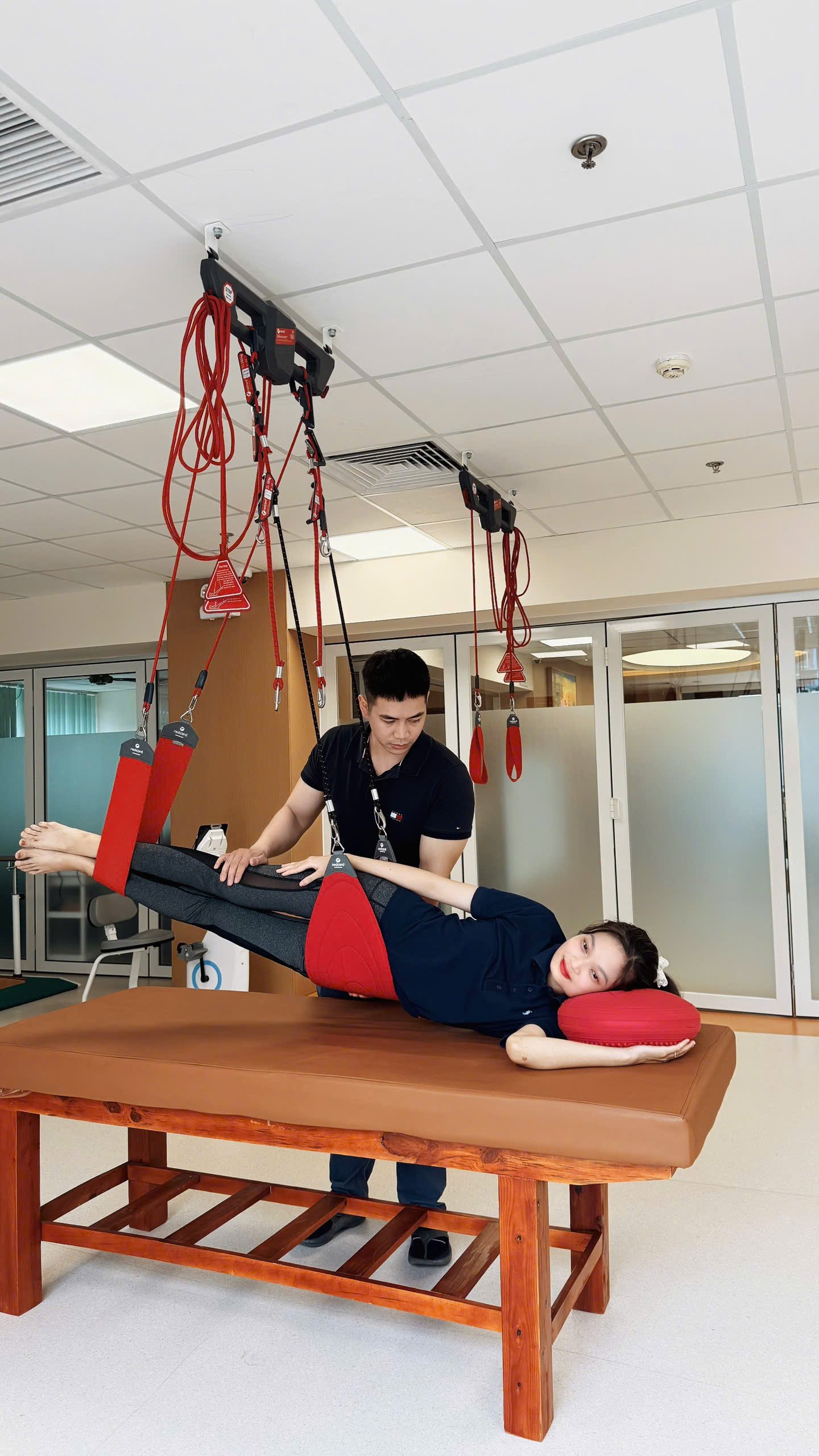
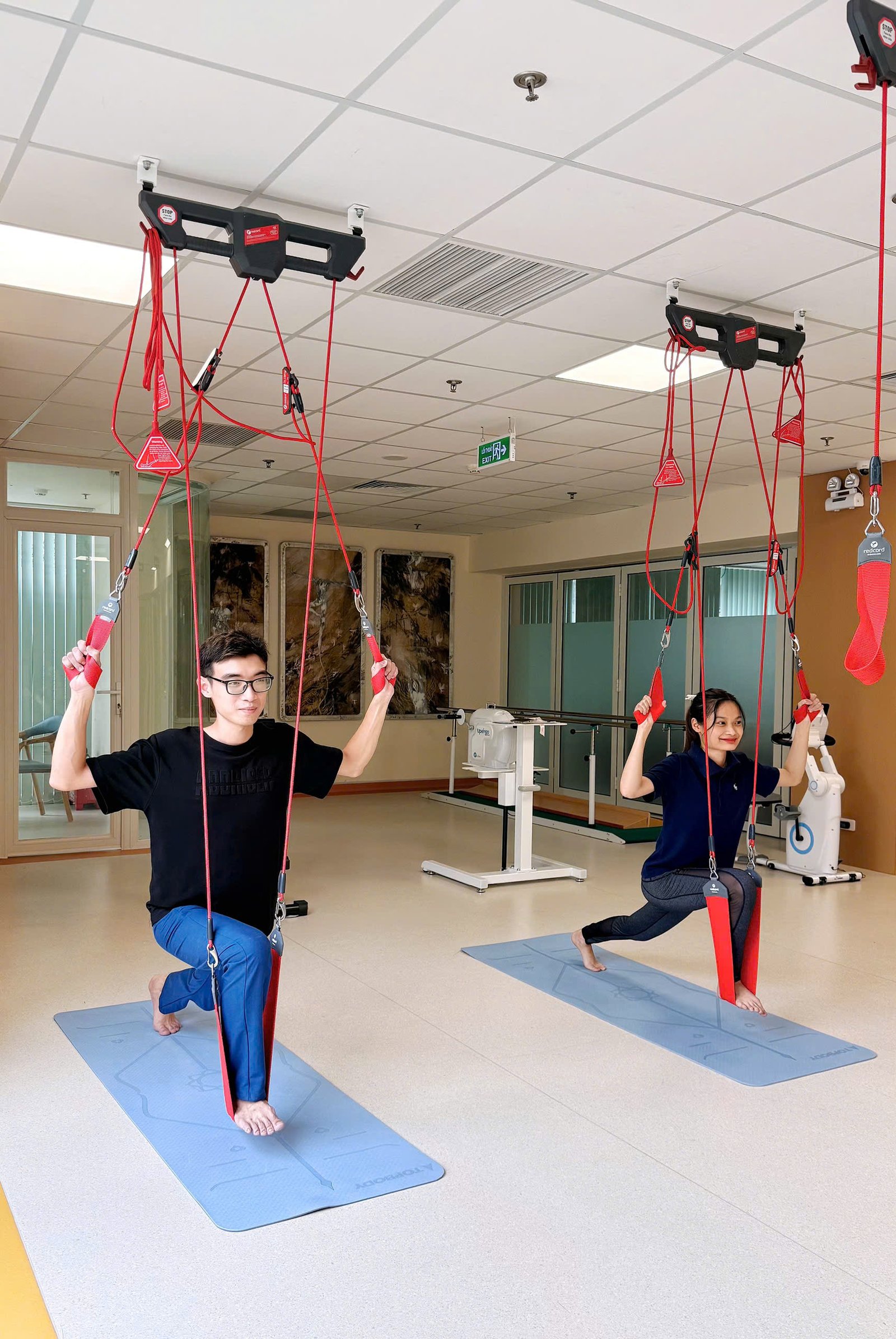
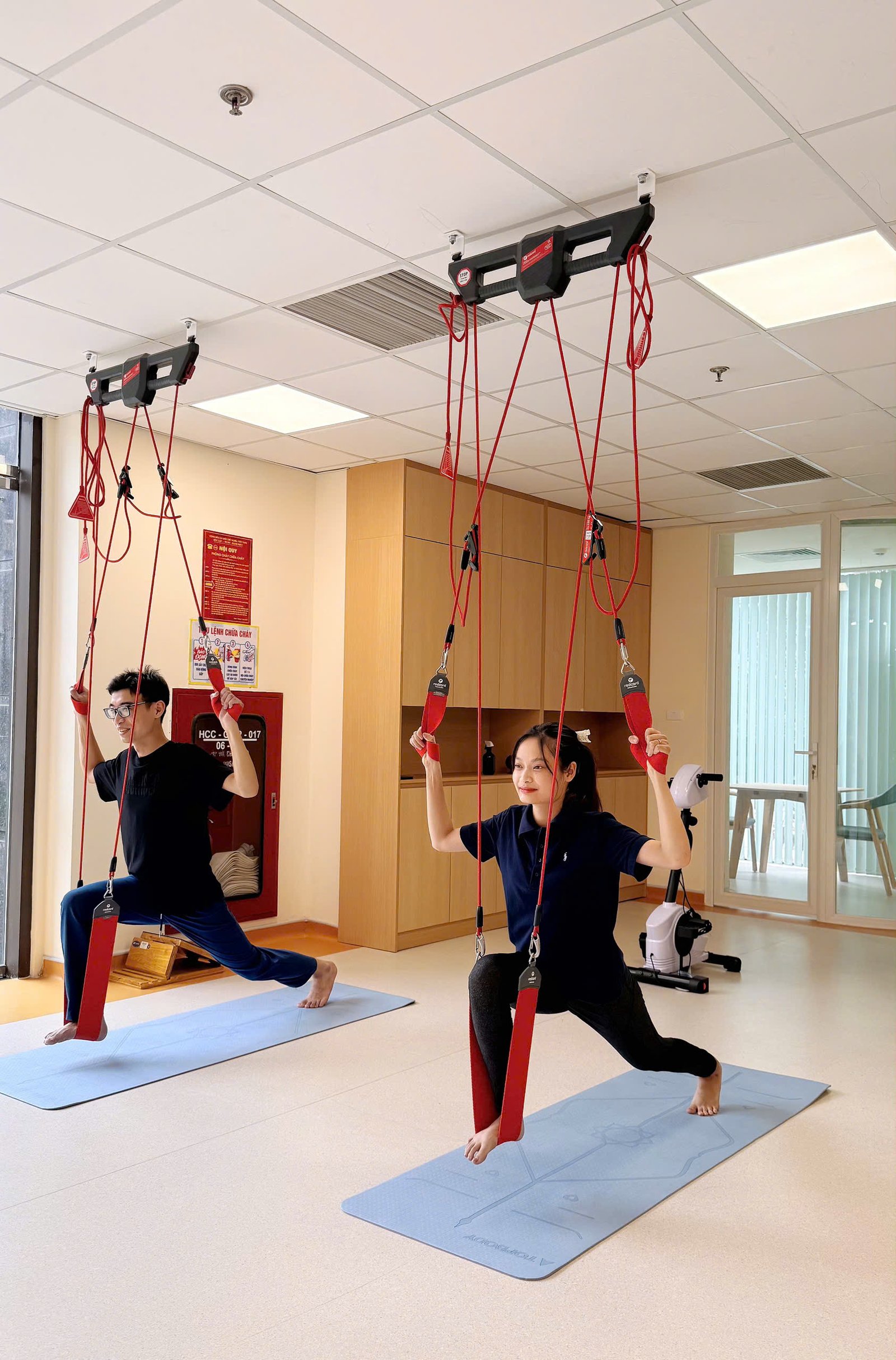
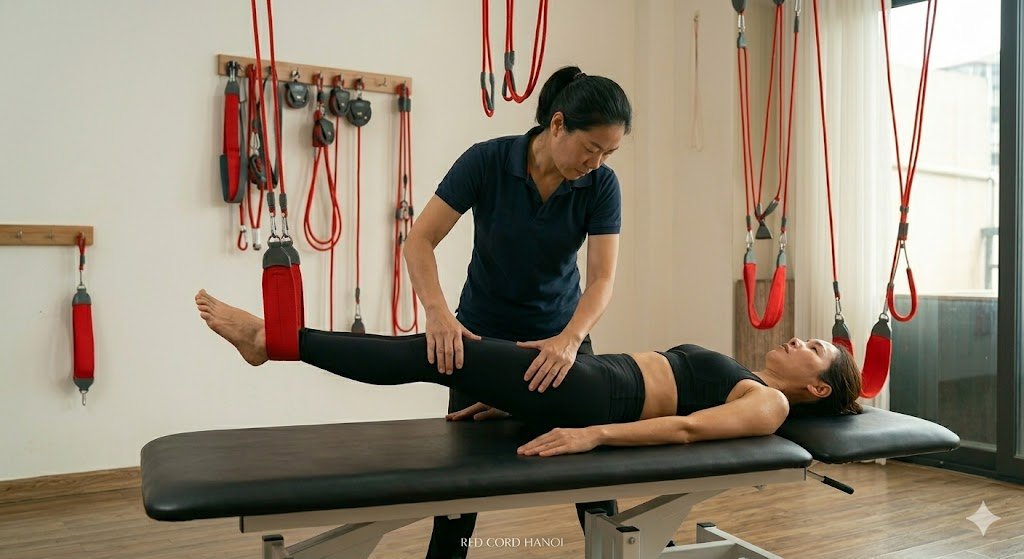
"Mình đau cổ vai gáy bao năm nay rồi do thói quen làm việc. Tranh thủ 45 phút nghỉ trưa qua Redcord tập thử, tập xong đứng dậy đã thấy vai nhẹ bẫng! Công nhận hiệu quả vượt ngoài mong đợi!"

32 tuổi, Nhân viên văn phòng
"Tập kháng lực với Redcord đúng là trải nghiệm hay ho mới mẻ. Không cần hùng hục mà vẫn kích hoạt đều đủ các cơ vận động. PT 1:1 chất lượng chu đáo hướng dẫn tận tình!"

40 tuổi, Kinh doanh
"Mình khá thích Pilates nhưng gói PT 1:1 lâu dài vượt quá tài chính. Sang Redcord thấy hiệu quả cân chỉnh tư thế tương đương, mà chi phí lại 'mềm' và dễ thở hơn hẳn."

25 tuổi, Freelancer
"Đăng ký thử 0đ vì đau lưng quá. Bất ngờ là từ lúc vào đến lúc về PT chỉ tập trung quét lỗi tư thế, hướng dẫn lên dây cực kỳ tận tâm, không hề chèo kéo hay áp lực mua bán."

35 tuổi, Kế toán trưởng
Do mỗi ca tập đều là 1:1 với PT chuyên nghiệp, Redcord Station chỉ có thể nhận tối đa 5 khách trải nghiệm miễn phí mỗi ngày. Đăng ký ngay để giữ chỗ.
Hotline tư vấn
096.991.1067
Địa chỉ
Tòa nhà Trung Yên Plaza, số 1 Trung Hòa, Phường Yên Hòa, Thành phố Hà Nội